Sharing data manually with Paramark
Last updated: September 29, 2026
Some of your data won't come from a warehouse or an ad platform API — a one-off report from an agency, a spreadsheet you're tracking by hand, or a channel that just doesn't have a direct connection. For data like this, you can share it with Paramark manually as a file upload. This guide covers the format we need, where to upload it, and how often.
Format
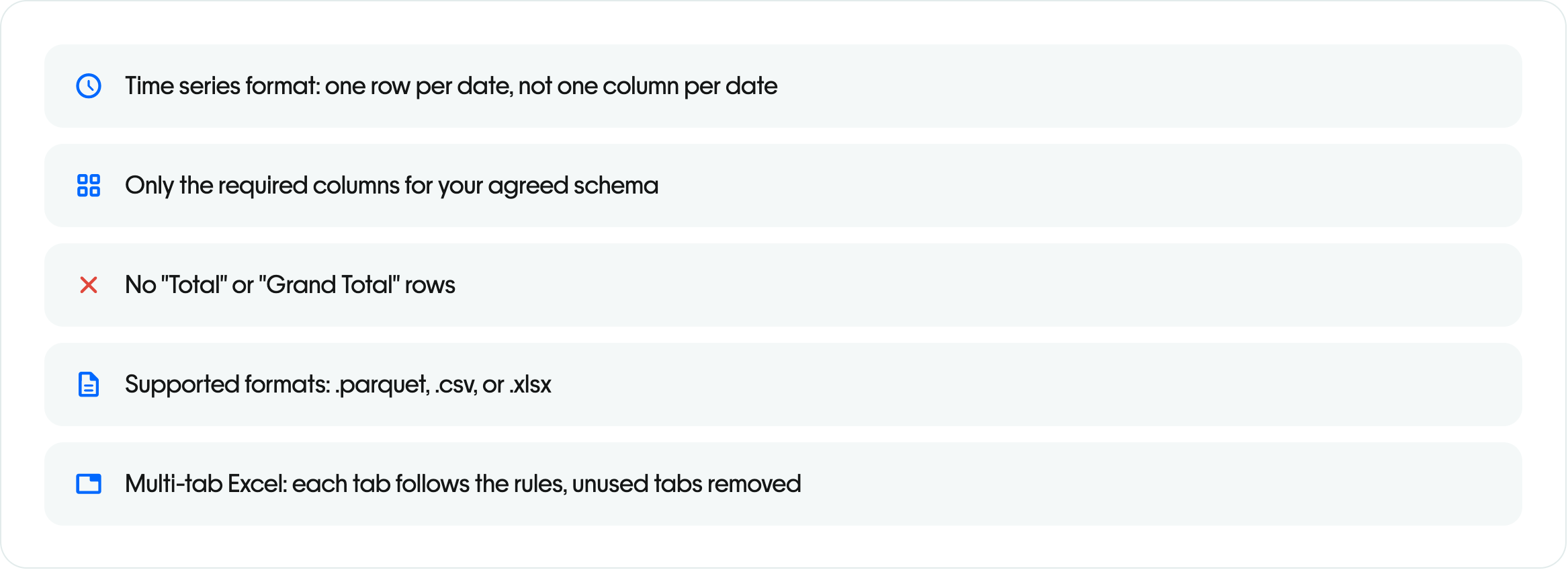
Structure your file as a daily time series: one row per channel per day. If we're modeling geographies separately for you, add a column for that too.
Keep every numeric value as a plain number — no commas, dollar signs, or other formatting characters.
Use a consistent date format that clearly includes the four-digit year, month, and day (for example, YYYY-MM-DD).
If spend isn't in USD, include the currency code.
Don't have impressions for a channel? A reasonable proxy works too — views, attendees, registrants, downloads, or whatever best represents delivery for that channel.
Example schema:
Date | Channel | Spend | Impressions |
|---|---|---|---|
2024-01-01 | Webinars | 0 | 150 |
2024-01-01 | Direct Mail | 1000 | 5000 |
2024-01-02 | Webinars | 0 | 100 |
2024-01-02 | Direct Mail | 0 | 0 |
If it's easier to start from a template, ask your Growth Advisor — we can set up a Google Sheet for you to copy your data into.
Where to upload it
Manual files go into your shared Paramark Google Drive folder, set up during onboarding. We'll create a separate folder for each data source you're sharing this way, so it's always clear what goes where.
How often
Your Growth Advisor will confirm the cadence for each source — monthly is typical for most manual channels. We'll send a reminder in your shared Slack channel a few days before it's due.
Sharing something more specific — podcasts, out-of-home, influencer, or CTV?
See the Manual / Offline Channels section of our Ad Platform Sharing Instructions guide for the exact fields each of those channels needs.